
Your screen is on.
What’s playing on it?
You spent real money on a video wall, a lobby display, a flagship LED — and it’s showing a stock loop, a static logo, or the same PowerPoint your team built three years ago. Taurus Vision is the content side of digital signage: we design, shoot, animate, and load the presentations that actually belong on your screen.
The display went in. The content never did.
It’s the most common gap we see in office AV: a beautifully installed display surrounded by people who didn’t sign up to be content creators. So one of these usually happens instead.
The factory demo loop
That same nature montage and product reel that ships with every panel. Visitors recognize it. So does your team.
Slides someone made in 2022
A PowerPoint export looping at the wrong aspect ratio, with copy nobody’s read in eighteen months. Probably has a typo.
A static logo, forever
The safe choice that quietly tells every visitor your company doesn’t move very fast. Expensive wallpaper.
Nothing at all
The display sits dark because nobody owns the content. The capex was approved. The follow-through wasn’t.
We make the content. Then we make sure it actually plays.
Taurus Vision is custom digital signage content creation for the displays we (and other integrators) install. It’s the next step after the hardware goes in — content built around your brand, your space, and the screens themselves.
You hand us your brand, the messages you want on screen, and the rooms it has to look right in. We come back with a looping presentation built to your aspect ratio, with motion that fits your brand instead of fighting it — loaded, tested, and running on the player.
No PowerPoint exports. No watermarked stock loops. No subscription dashboard for somebody on your team to babysit.
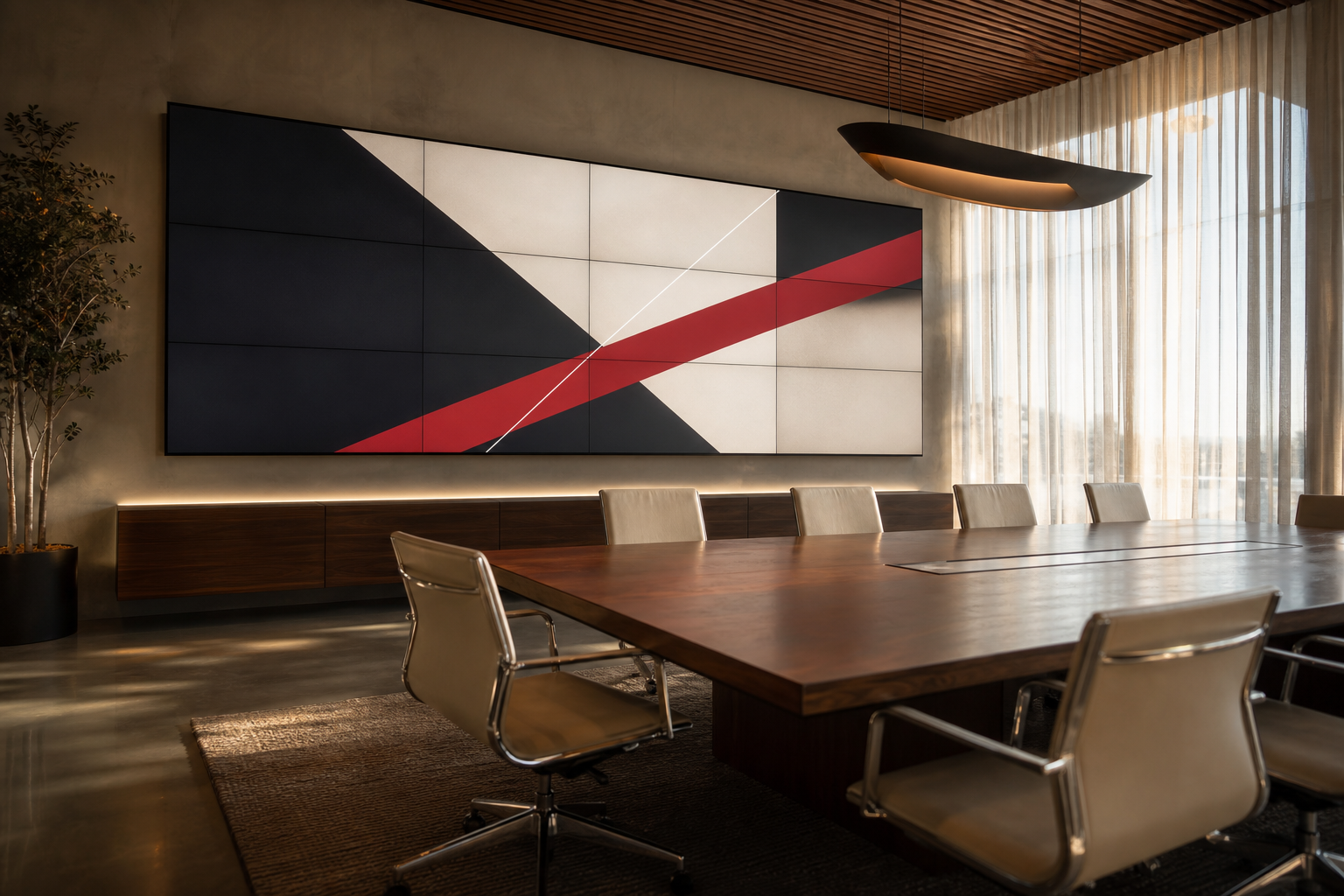
Everything between “here’s our logo” and “it’s on the wall.”
Pick the pieces you need, or let us figure out the right mix after walking the space.
Looping presentations
Custom slide compositions built in your brand’s type, color, and tone — tuned to the resolution and aspect ratio of the actual display, not a 16:9 default.
Logo & brand animations
Your mark, in motion. Subtle reveals for lobbies, kinetic versions for conference spaces, and identity-safe variations across screens.
On-site photo & video capture
We bring a crew to your office, your job site, your facility. Stock footage is fine for shampoo ads — not for your conference room wall.
Motion graphics & transitions
Built so the screen has rhythm. Movement that draws the eye without being the thing that gives everyone a headache during a meeting.
Messaging & copy
What goes on screen matters more than how it moves. We write the headlines and supporting copy so it reads in five seconds from across the room.
Player setup & ongoing updates
Final files loaded and tested on BrightSign, Samsung Tizen, LG webOS, or whatever you’re running. We can keep the content fresh on a regular cycle.
Vision in Motion.

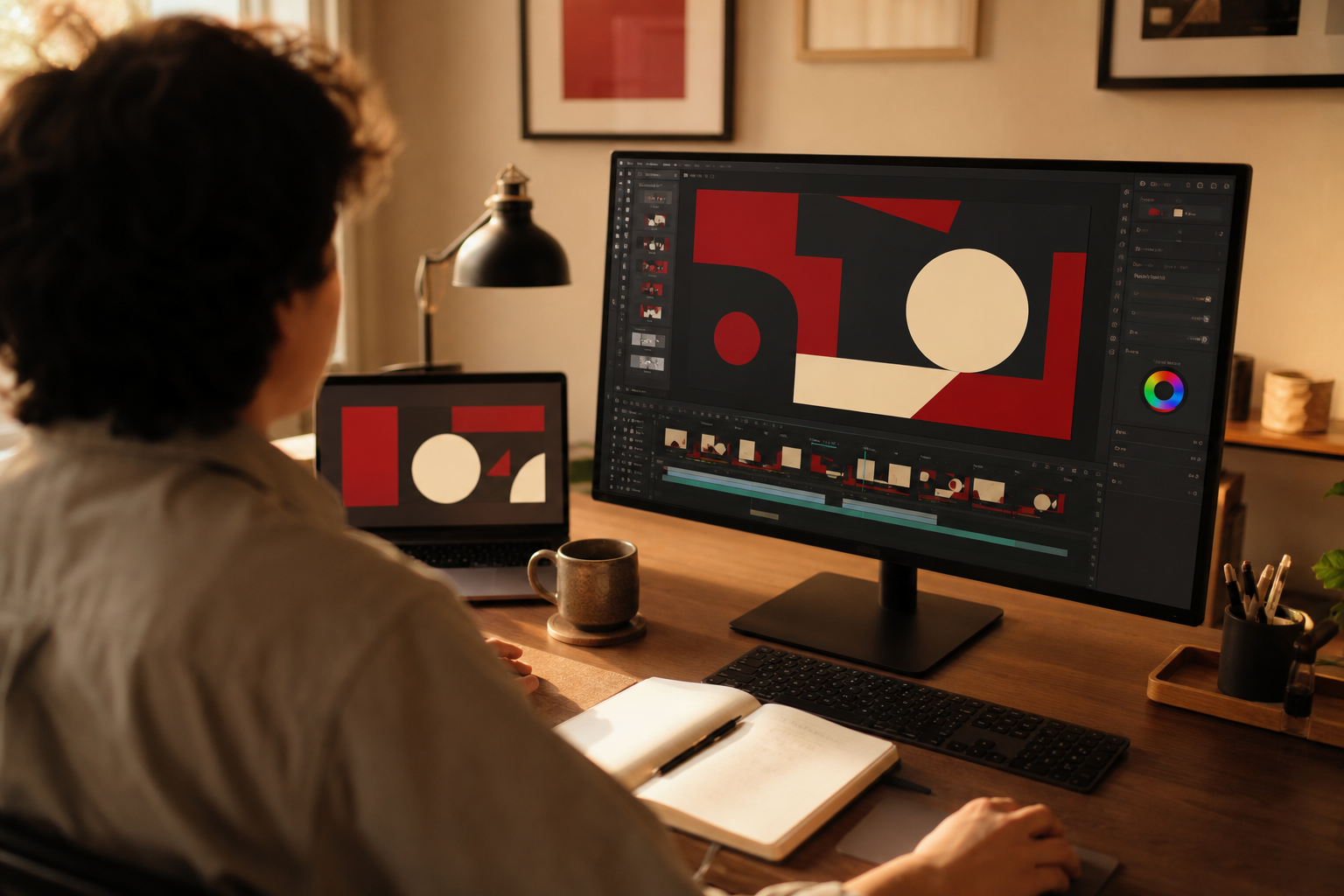
A team that designs, shoots, and ships it.
Most digital signage problems aren’t technology problems — they’re design and production problems. Taurus Vision is staffed for the second one.
- DesignMotion designers building compositions in your brand system, not template marketplaces.
- CaptureA small camera and lighting crew for on-site photo and video of your actual space.
- BuildEditors and animators producing the final looping presentation at the display’s native resolution.
- DeployAV technicians loading and color-checking on the player so what you approved is what plays.
Four steps. We do the heavy lifting.
You stay involved where it matters — brand direction and final approval — and stay out of where it doesn’t.
Discovery
We walk the space (in person or remote), look at the screens you have, and figure out what story belongs on them. You hand us brand assets and any existing footage worth saving.
Capture
If the project calls for original photo or video, our team comes on-site for a half-day or full-day shoot. People, product, facility — whatever the screen is supposed to be saying.
Build
Slides, animations, and transitions composed in your brand system. You see a draft, give notes, and we revise. No moving target deliverables.
Deploy
Final MP4 or native format loaded onto the player, color and motion checked on the actual display, and a handoff doc for whoever’s going to live with it.
A signage CMS doesn’t make content. People do.
A platform with templates — if you have time.
- Monthly subscription regardless of use
- Template libraries that look like template libraries
- Somebody internal has to learn it, own it, and keep it current
- No original photography — just whatever’s in the stock library
- Hardware integration is your problem to debug
A team that designs, shoots, and ships the content.
- Project-based engagement, scope you can see
- Original design & motion built to your brand system
- Nobody on your team becomes a part-time signage admin
- On-site photo & video of the place that matters — yours
- Loaded onto the player by the team that knows the gear
Questions we get a lot.
What is digital signage content creation, exactly?
Do we need to bring all the content ourselves?
What file formats do you deliver?
Does this work with BrightSign players?
Can you update the content over time?
Did Taurus install our display, or does that matter?
Let’s put something worth watching on your screen.
Tell us what’s on the wall (or what’s about to be), and we’ll come back with a plan for the content side.